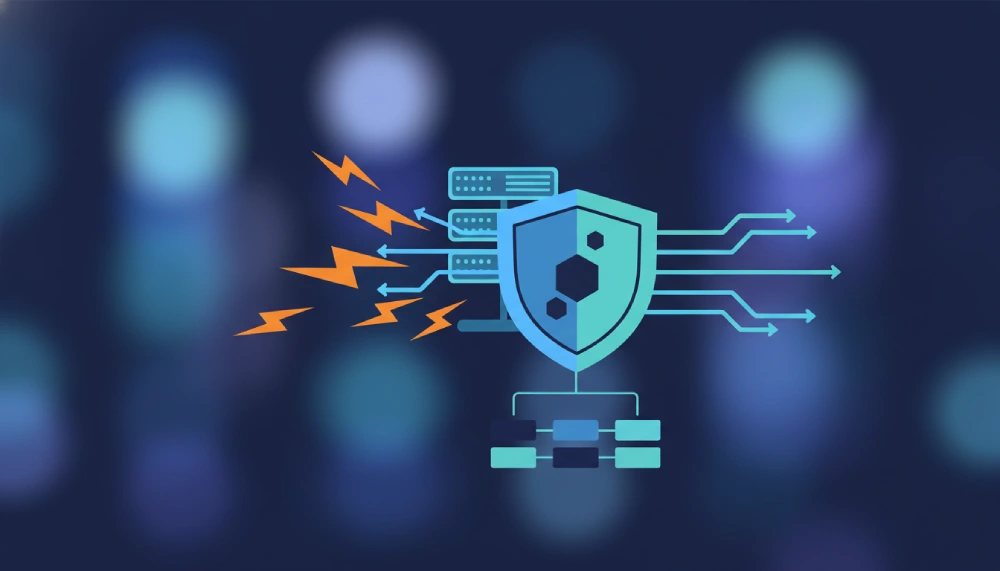
State of The Art Hosting Security: Your Small Business Digital Bodyguard
February 1, 2026
Imagine your website as your digital storefront you wouldn’t leave your doors wide open at night, right? Well, in today’s online world, state of the art hosting security is your digital lock, alarm, and security camera all rolled into one. If you’re a small business owner looking to protect your online presence without needing a PhD in cyber defense, you’re in the right place. Let’s break down the shiny new tech keeping your website safe and sound.
Why Hosting Security Matters for Small Businesses
Cyberattacks are no longer just a big business problem. Hackers love targeting small sites because they often have weaker defenses. One slip-up, and your site can be down for days—or worse, your customer data could be at risk. Here’s the kicker: investing in the right hosting security can save you headaches, lost revenue, and your reputation.
Key Features of State of The Art Hosting Security
Let’s get into the nitty-gritty. What does a top-tier hosting include? Spoiler: it’s more than just a password and a firewall.
- Real-time DDoS protection — Think of this as your website’s bouncer, stopping internet traffic floods from knocking your site offline.
- Web Application Firewall (WAF) — This smart gatekeeper scans and filters out malicious traffic targeting your website apps.
- Automated malware scanning — Like a nightly security patrol, this scans your site for nasty viruses and malware, alerting you early before things get ugly.
Each feature plays a crucial role in keeping your site online and your data safe. When combined, they create a fortress that’s tough to breach.
What’s Included in our Hosting Packages?
Wondering exactly what you get? Here’s a quick rundown of typical offerings in a state of the art hosting package:
- 24/7 monitoring: Continuous surveillance to spot threats as soon as they appear.
- Automatic backups: Your website’s safety net to restore if things go south.
- SSL certificates: Encrypt data passing through your site, building trust with your visitors.
- Spam and bot filtering: Keeps fake traffic and junk data at bay.
- Security updates and patches: Regular improvements to keep your software bulletproof.
These features aren’t just a checklist they act like your website’s immune system, constantly adapting to new threats.
Autoscale Website Hosting: Security Meets Performance
Here’s a little secret: security isn’t just about blocking bad guys. It’s also about keeping your site fast and reliable. Autoscale website hosting is a game-changer for small businesses that experience traffic spikes without breaking the bank.
Autoscale hosting automatically adjusts your resources based on demand like a smart thermostat for your website. This means your security features, like real-time DDoS protection, stay effective even when your site traffic surges.
Here’s a quick comparison table to show why autoscale hosting stands out:
| Feature | Traditional Hosting | Autoscale Website Hosting |
|---|---|---|
| Traffic Handling | Fixed resources, can slow down under traffic spikes | Automatically scales resources up/down |
| Security Effectiveness | May fail under attack overloads | Maintains protection even during high traffic |
| Cost Efficiency | Pay for max resources all the time | Pay only for what you use |
| Ideal For | Steady traffic websites | Growing or fluctuating traffic businesses |
For small businesses, autoscale hosting combined with state of the art security features means you’re ready for anything—whether it’s a viral blog post or a sneaky hacker attack.
Keeping It Real: How to Choose the Right Hosting
Choosing the right Hosting is like picking the perfect pair of shoes it has to fit your style, budget, and needs. Here are some quick tips:
- Assess your risks: What kind of data do you handle? Are you a target for certain attacks?
- Look for real-time protection: DDoS attacks happen fast; you want a host that catches them instantly.
- Check for automated malware scanning: Prevention is better than cure.
- Prefer hosts with great customer support: When things go wrong, you want someone who talks human, not robot.
- Consider autoscale hosting: It keeps your site agile and secure without extra hassle.
Remember, no security is 100% foolproof, but with these features in place, you’re stacking the odds in your favor.
Wrapping It Up: Your Website’s New Best Friend
So, what’s the bottom line? Investing in state of the art hosting isn’t just tech-speak it’s peace of mind wrapped in digital armor. Real-time DDoS protection, smart web application firewalls, and automated malware scanning work together to keep your small business website safe and humming smoothly.
Pair that with autoscale hosting from Sleek Web Hosting, and you’ve got a security setup that’s as stylish and savvy as you are. Because your business deserves nothing less than the best.
Frequently Asked Questions About Hosting Security
Still curious? Here’s a quick FAQ to clear up any lingering questions.
FAQ: State of The Art Hosting Security
- What’s included in your security feature?
Typical features include real-time monitoring, automatic backups, SSL certificates, spam and bot filtering, security patches, real-time DDoS protection, web application firewall, and automated malware scanning. -
Do you provide a free SSL certificate?
Yes. We include SSL certificates to encrypt traffic and help keep logins, forms, and customer data secure. -
How do backups work, and how often are they taken?
Backups are automated on a scheduled basis (daily/weekly depending on plan). Restore options are available from your control panel. -
What is DDoS protection and why do I need it?
DDoS protection helps keep your website online during traffic floods intended to overwhelm your server, reducing downtime and performance issues. -
Do you scan my site for malware?
Yes. We run automated malware scans and alert you if suspicious files or behaviors are detected. -
What is a Web Application Firewall (WAF)?
A WAF filters and blocks malicious requests (like SQL injection or cross-site scripting) before they reach your website. -
Will you automatically update my website software (WordPress/plugins)?
Server-level security patches are applied automatically. Application updates (like WordPress core/plugins) may be available as an add-on or managed plan feature. -
Is my hosting account isolated from other customers?
Yes. We use account isolation to reduce the risk of “cross-account” issues on shared environments. -
How do you protect email from spam and phishing?
We use spam filtering, virus scanning, and blacklisting/greylisting controls to reduce unwanted or harmful email. -
What happens if my site is hacked?
We’ll help you identify the issue, restore from a clean backup when available, and guide you through securing passwords, updating software, and removing vulnerabilities.